 Max Portal
Buy from suppliers with control
Run purchasing in one place, from the purchase order and its approval through receiving and paying the supplier.
See plans and pricing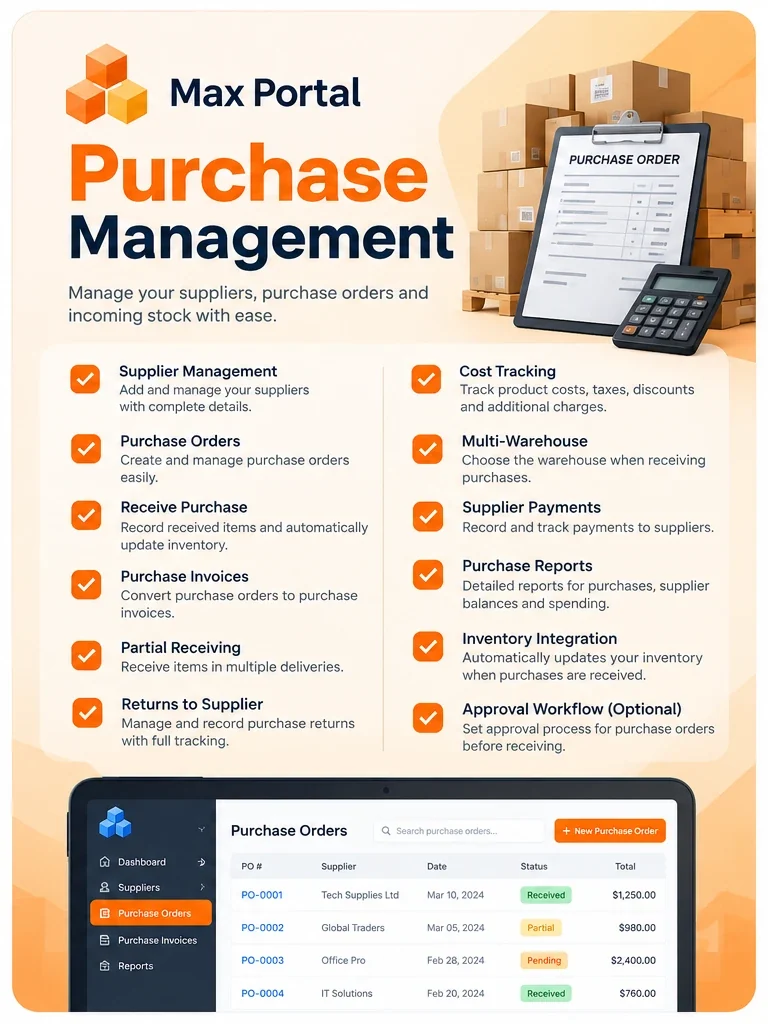
Orders that go through the right people
Keep your suppliers in one list and send each purchase order through approval.
- Supplier records
- Purchase orders
- Approval workflow
Record what really arrived
Receive an order in full or in parts, and handle returns to the supplier.
- Receiving
- Partial receiving
- Returns
- Multi-warehouse, with Inventory Management
Know what you spend
Match purchase invoices, pay suppliers and track your costs.
- Purchase invoices
- Supplier payments
- Cost tracking
- Reports
Works for any kind of business
The same module, used in different ways. These are examples.
Wholesale & distribution
Purchase orders with approval and partial receiving.
Trades & contractors
Order materials and track what you spend.
Shops & retail
Receive stock in full or in parts, and handle returns.
Clinics & salons
Order supplies from your suppliers, with approval.
What's included
Suppliers
All your suppliers in one list.
Purchase orders
Create and send orders.
Approval workflow
Orders go through approval.
Receiving
In full or in parts.
Returns
Send items back to the supplier.
Purchase invoices
Keep supplier invoices with the order.
Supplier payments
Record what you have paid.
Cost tracking
See what you are spending.
Reports
Reports on your purchasing.
Frequently asked questions
Can I receive part of an order?
Yes. Partial receiving lets you record what has arrived and keep the rest open.
Does it work with Inventory Management?
Yes. Purchase Management integrates with Inventory Management, including multiple warehouses. Inventory Management is a separate module.
Works with the rest of Max Portal
Add Purchase Management to your plan
Choose your plan, then pick your modules in the next step.
See plans and pricing